
Excel setting
One Excel setting, with a cursor clicking through each value
Teach one Excel setting in a 15-25 second vertical video (1080x1920): a cursor clicks through each value and the same cells change in front of the viewer.
Important: this is a skill for terminal AI coding agents (Claude Code, Codex) that runs on your own computer. It is not a prompt for the ChatGPT website. Check the requirements below before buying.
Why this look
"Which number format shows what?" is easier to see than to explain. This look puts a mini Excel window on screen and clicks through the options one by one, so the viewer watches the cells change.
- An Excel-green page with a hex pattern and a glass card holding a mini Excel window: green title bar, formula bar, column letters, green selection frame.
- An option list the cursor clicks one by one; a settings block whose changed line lights up; cells that change and flash on every click.
- Music and click sounds only. No voice, no captions.
The story (fixed)
- 0 to 1.5 seconds: the kicker, title, card, Excel window and settings block rise in.
- One click about every 1.8 seconds: the selection bar slides, the settings line swaps its value and lights up, the cells change and flash.
- Back to the best value, the one to remember.
- The cursor clicks Thích (Like), then Lưu lại (Save); the music fades out.
Layout, motion and look are fixed. You choose the setting, its 2 to 6 values, an optional second group that changes the same cells (alignment, for example), the locale and the music.
How it works
Open your agent and type a request like this:
Make an Excel setting video for date formats, locale viThe agent writes only one file, topic.js. Displayed values are never typed by hand: the cells are computed by Excel's own formatting rules, and the build rejects a format code those rules cannot show. Pick en (1,234.57) or vi (1.234,57) and the whole video keeps it. The agent checks the build, looks at snapshots of every click, then renders an MP4.
What you get
- The skill folder with a fixed template, example topics (number format, date format) and bundled music and click sounds.
- One MP4 per setting, 15-25 seconds, 1080x1920.
What you need
- Claude Code or Codex.
- Node.js. The skill builds with
nodeand renders with HyperFrames throughnpx.
Install
Copy the skill folder into your skills folder:
~/.claude/skills/agentvid-ui-demo-excel-9x16/For Codex, use ~/.agents/skills/agentvid-ui-demo-excel-9x16/.
Who it is for
Teaching one Excel setting with 2 to 6 values (number or date formats, alignment, rounding, a function's argument) by clicking through the options.
Not a fit if you want
- Several unrelated settings in one video.
- A voice-over lesson.
- An app other than Excel.
Frequently asked questions
Are the values in the cells correct?
They are computed by Excel's formatting rules (rounding half away from zero), never typed. Say in your post which locale the video shows.
Can I put my company's data in the cells?
The guide says to use no real company data in sample cells.
Can I use the videos commercially?
Videos you render are yours for any commercial use. You may not resell, redistribute or share the skill files.
More looks from E-learning Video


Start with one look, step up when you need more
Related looks

Agent diagram
One AI concept on a living node diagram
AI for Business Explainer
Explain AI agents to business owners in a 60-90 s vertical video

Big canvas mind map
A big hand-drawn mind map with the camera following each branch
E-commerce & Retail Explainer
Selling online, profit per order and shop tips as vertical explainers
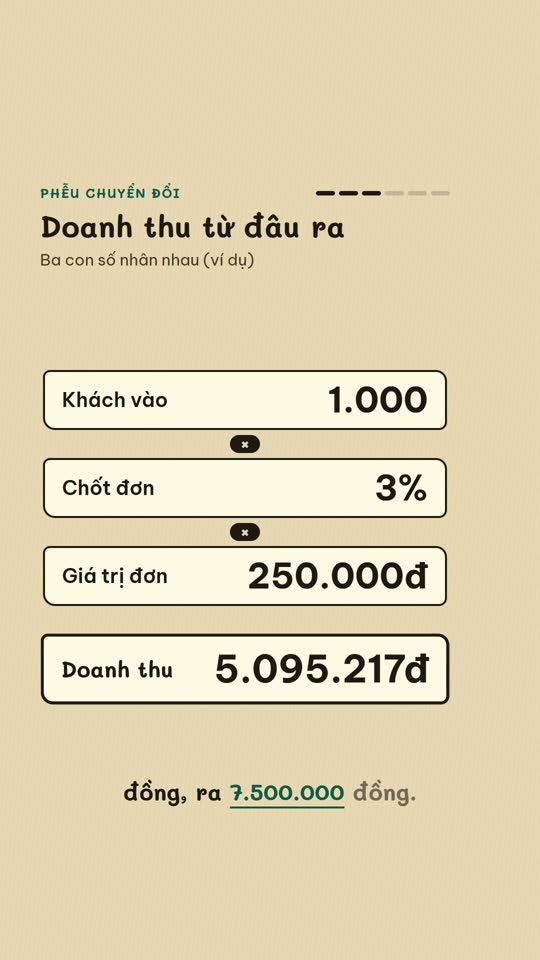
E-commerce diagram
An online-selling concept on a single diagram board
English Learning Explainer
Short English lessons built from common mistakes

Ink paper
A pencil notebook, a robot mascot and a wooden board

Morph minimal
A white dot morphing on a black background, minimal