
E-learning Video: all looks
E-learning Video
The two standalone E-learning looks in one set: short vertical lessons a viewer can practise or repeat, from English listening drills to a click-through Excel setting.
Important: this is a skill for terminal AI coding agents (Claude Code, Codex) that runs on your own computer. It is not a prompt for the ChatGPT website. Check the requirements below before buying.
What's in the set
- English listening: one short English lesson for Vietnamese learners as a 15-80 second vertical video (1080x1920) in one of four formats: reader (a short story read line by line with a word box), vocab (pages with target words tinted by word class), guess (meaning, blanks, answer card) or joke (one pun on a chalkboard with a dog mascot). Free offline voices by default: Kokoro for English, VieNeu (Hải Đăng) for Vietnamese.
- Excel setting: one Excel setting with 2 to 6 values in a 15-25 second vertical video. A cursor clicks each value in a mini Excel window and the same cells change and flash. Cell values come from Excel's own formatting rules, never typed by hand. Music and click sounds only.
Each look is its own skill folder with its own guide. You pick the look that fits the lesson.
Also in ReelCrew
Hand-drawn lesson, a 3-4 minute hand-drawn animated lesson made from a talk, belongs to the same skill but runs only inside ReelCrew. It is not part of this set.
The set includes every edition of every look: Basic and Pro where a look has both.
How they work
You describe one lesson. The agent writes the lesson data (data/lesson.json for listening, topic.js for Excel), checks it, looks at the frames and renders an MP4. The listening look adds a review gate where another model or a person checks the English, Vietnamese and IPA before the build.
Example requests:
Làm video luyện nghe tiếng Anh dạng guess, 5 từ về thời tiếtMake an Excel setting video for number formats, locale enWhat you need
- Claude Code or Codex, and Node.js. Both looks render with HyperFrames through
npx. - English listening also needs ffmpeg and ffprobe, ImageMagick 7, Python 3.10 or newer with numpy and scipy, multix, a one-time voice setup of about 1.1 GB, and a
KEY4U_API_KEYfor the reader and vocab sketches.
Install
Copy each skill folder into your skills folder:
~/.claude/skills/agentvid-motion-english-listen-9x16/
~/.claude/skills/agentvid-ui-demo-excel-9x16/
For Codex, use ~/.agents/skills/<folder>/.
Who it is for
Teaching one lesson so the viewer can practise or repeat it.
Not a fit if you want
- A recorded lecture or a marketing video.
- A general explainer.
Frequently asked questions
Can I buy one look on its own?
Yes. English listening and Excel setting each have their own listing.
Can I use the videos commercially?
Videos you render are yours for any commercial use. You may not resell, redistribute or share the skill files.
More looks from E-learning Video

English listening
English listening practice: reader, vocab, guess and joke formats

Excel setting
One Excel setting, with a cursor clicking through each value
 Included in ReelCrew
Hand-drawn lesson
A 3-4 minute hand-drawn animated lesson from a talk
Start with one look, step up when you need more
Related looks

Agent diagram
One AI concept on a living node diagram
AI for Business Explainer
Explain AI agents to business owners in a 60-90 s vertical video

Big canvas mind map
A big hand-drawn mind map with the camera following each branch
E-commerce & Retail Explainer
Selling online, profit per order and shop tips as vertical explainers
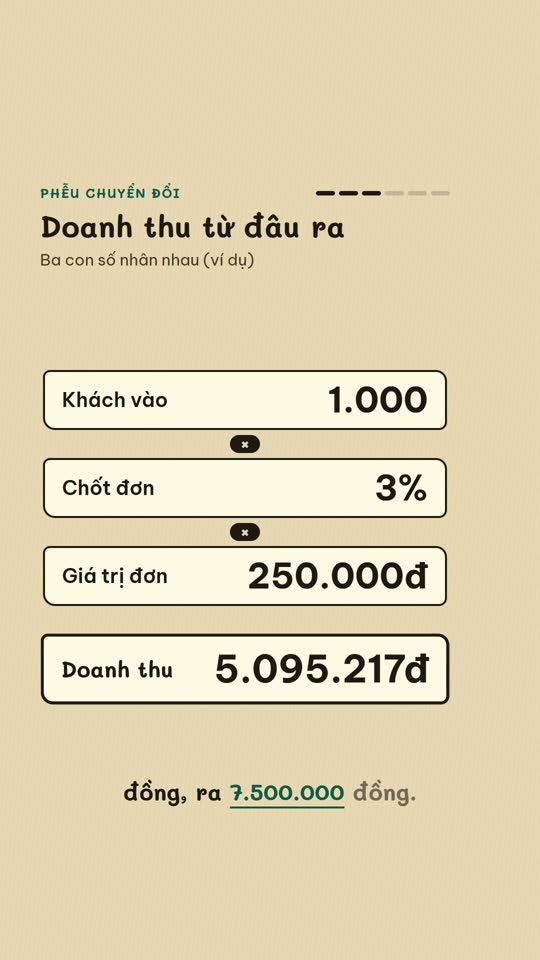
E-commerce diagram
An online-selling concept on a single diagram board
English Learning Explainer
Short English lessons built from common mistakes

Ink paper
A pencil notebook, a robot mascot and a wooden board

Morph minimal
A white dot morphing on a black background, minimal