
App launch studio
An app launch: a question plus a demo on a 3D laptop
Turn one desktop or web app and 3-7 of its real screenshots or recordings into a 40-90 second landscape launch video (1920x1080), music only.
Important: this is a skill for terminal AI coding agents (Claude Code, Codex) that runs on your own computer. It is not a prompt for the ChatGPT website. Check the requirements below before buying.
What it makes
Each feature gets three beats: a question, a gradient answer on a white studio stage, then a demo on a 3D-tilted laptop where a cursor clicks, drags or hovers and a caption pill names what you see. The demo can be a screenshot, a screen recording of up to 8 seconds, or an HTML mock-up panel. A recap and an end card with a store button and your address close the video.
There is no voice. A 120 bpm electronic bed (bright, or the calmer minimal) is cut by whole bars so the end card lands on a bar line, mixed to -14 LUFS.
Three looks:
- brand-studio (default): wallpaper and answer gradient come from your app's brand colours.
- warm-studio: beige ribbon wallpaper, orange to pink, for lifestyle, creative and utility apps.
- dark-studio: a near-black stage for developer tools, AI apps and pro tools.
How it works
Put your icon and screenshots in a folder, open your agent there and ask, for example:
Make an app launch video for my app from the screenshots in this folderThe agent never writes scene HTML by hand. It:
- Asks for your icon, brand colours and one screenshot or short recording per feature.
- Blurs QR codes, account numbers and customer data in your pictures.
- Fills
data/launch.json: one question, answer, demo and caption per feature. - Opens a review page (
data/launch-review.html) with every feature, its picture and any risky claims, and waits for your OK. - Builds, checks every scene on a QA sheet and renders the MP4.
A run takes about 15 minutes plus your one review.
What you get
- The skill folder with its scripts, scene templates and three looks.
- Two built-in music beds, so no music key is needed.
- The review page, the QA checks and a cover-image step.
What you need
- Claude Code or Codex.
- Node.js and Python: the steps run as
nodeandpythonscripts. - No API key. An ElevenLabs key is only needed to generate a new music bed.
Install and make your first video
Copy the skill folder into your skills folder:
~/.claude/skills/agentvid-motion-app-launch-studio-16x9/For Codex, use ~/.agents/skills/agentvid-motion-app-launch-studio-16x9/. Then open the agent in a project folder and type a request like the one above.
Who it is for
A launch or feature-tour video for one desktop or web app, made from its own screenshots or recordings.
Not a fit if you want
- A narrated product keynote.
- Real footage cut into highlights.
- An ad for a shop product.
Frequently asked questions
Can the agent add features my app does not have?
The skill requires every feature on screen to exist in the shipped app and every claim to trace to the app, its store listing or you. A mock-up panel is allowed only when it shows what the app really does; the review page labels it "mock-up" for you to confirm. Still check the video before you post.
Can I use the videos commercially?
Videos you render are yours for any commercial use. You may not resell, redistribute or share the skill files.
More looks from App Promo


Start with one look, step up when you need more
Related looks

Farm market
Sell farm produce and local specialties from phone photos

Product promo
A shop's product range cut to the beat of the music

Project tour
A full project introduction from the agent's clip, in 6 beats

Sales short
The agent's clip with project photos shown on the exact spoken words
 Included in ReelCrew
Infrastructure route
Metro and highway routes on a satellite map
 Included in ReelCrew
Location map
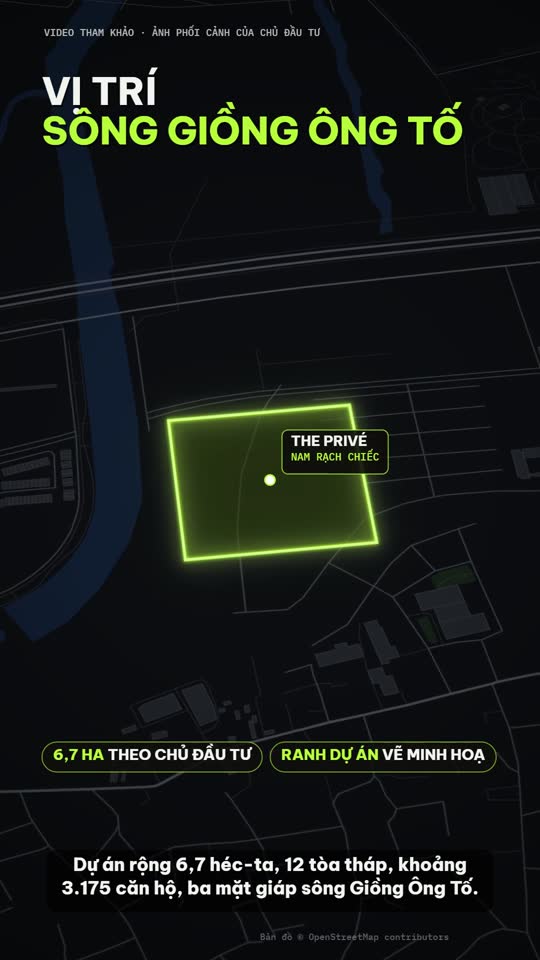
Project photos plus an OSM location map, routes and amenities
 Included in ReelCrew
Trip listing
An apartment plus one trip to a destination on the map