
Whiteboard
Whiteboard hand-drawing that follows the voice-over
Make a 2-5 minute horizontal whiteboard explainer (1920x1080) where a hand writes and draws on the exact words of the voice-over, Vietnamese by default.
Important: this is a skill for terminal AI coding agents (Claude Code, Codex) that runs on your own computer. It is not a prompt for the ChatGPT website. Check the requirements below before buying.
What it makes
The classic whiteboard look: one big grey paper board with a dark vignette, cut into 12 to 20 screens. On each screen a real hand with a white marker writes every title and bullet letter by letter, and pictures appear as pencil-grey lines that then fill with colour. The camera glides from area to area, zooms out now and then to recap what was drawn, and ends zoomed out over the whole board.
It suits a knowledge explainer: a phenomenon, a concept, how something works, a set of tips.
The story
- A hook question.
- What it is, or who gets it.
- Common beliefs or examples.
- The explanation.
- A summary.
- Tips.
- A question for the comments.
Text on the boards stays short: a title of 1 to 4 words and bullets of 2 to 6 words, never the full sentence the voice says.
How it works
Open your agent and type a request like this:
Làm video whiteboard 3 phút giải thích hiện tượng bóng đè, có nguồn(In English: a 3-minute whiteboard video explaining sleep paralysis, with sources.) The skill stops for your OK at each step:
- Script and facts: every number, year and name is listed with its source. No invented statistics.
- Voice: you listen, and only the sentences you flag are read again.
- Pictures: 12 to 25 flat cartoon pictures with bold outlines and no text. You review a contact sheet.
- Stills: a layout check of every board.
- The finished video.
Free to run
- Voice: the local VieNeu engine (about 1.1 GB, downloaded once), or your own recording of the same script.
- Pictures: drawn by your own Codex on a ChatGPT plan, or you paste the prompts into ChatGPT and save the images.
- Music: the free synth bed, or your own track.
No paid API and no API key are needed.
What you get
- A 16:9 MP4 at 1920x1080 and 25 fps, mixed to -14 LUFS. Whiteboard is 16:9 only; there is no vertical version.
- A facts file with a source for every claim.
What you need
- Claude Code or Codex, able to run the skill's Python scripts.
- Codex or ChatGPT for the pictures.
- Rendering runs at about 1.2 times real time with an NVIDIA GPU, and slower on a CPU.
Install
~/.claude/skills/agentvid-whiteboard-explainer-16x9/For Codex, use ~/.agents/skills/agentvid-whiteboard-explainer-16x9/.
Who it is for
Knowledge channels that explain one topic in 2 to 5 minutes.
Not a fit if you want
- Vertical 9:16 shorts.
- Talking-head footage or real product screens.
- One picture per scene, or a music-only video.
Frequently asked questions
Can it explain medical or legal topics?
It explains; it never advises. Where it matters, the video tells viewers to ask a doctor or a lawyer.
Can I use the videos commercially?
Videos you render are yours for any commercial use. You may not resell, redistribute or share the skill files.
More looks from Animated Explainer
Full set: Animated Explainer
14 looks

Agent diagram
One AI concept on a living node diagram
AI for Business Explainer
Explain AI agents to business owners in a 60-90 s vertical video

Big canvas mind map
A big hand-drawn mind map with the camera following each branch
 Included in ReelCrew
Cinematic explainer
A cinematic science explainer of about 30 seconds
E-commerce & Retail Explainer
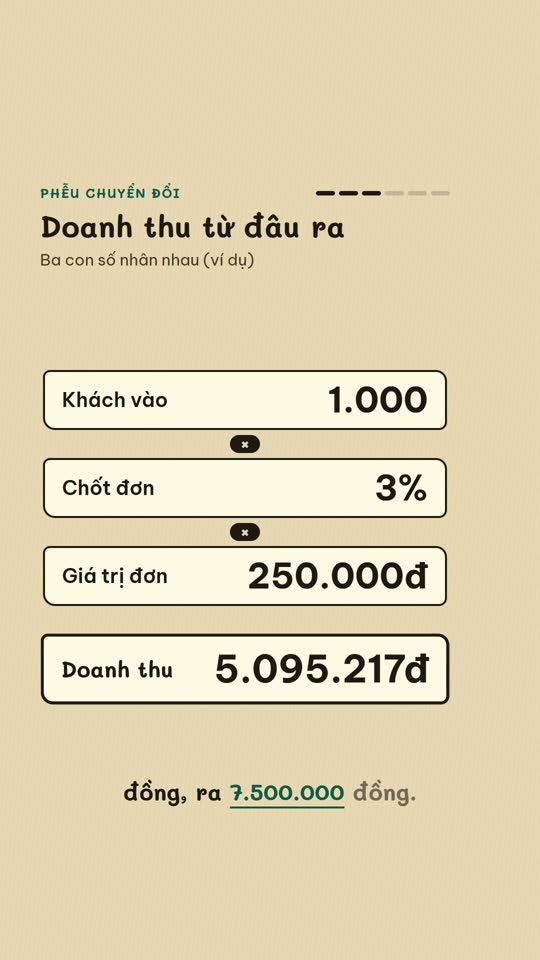
Selling online, profit per order and shop tips as vertical explainers
E-commerce diagram
An online-selling concept on a single diagram board
English Learning Explainer
Short English lessons built from common mistakes
Start with one look, step up when you need more
Related looks

English listening
English listening practice: reader, vocab, guess and joke formats

Excel setting
One Excel setting, with a cursor clicking through each value
Sourced clip short
A multi-scene short with source clips and an on-screen credit
 Included in ReelCrew
Archival documentary
An 8-10 minute documentary built from archive material
 Included in ReelCrew
Engraved plate
An antique engraving film for philosophy and history
 Included in ReelCrew
Hand-drawn lesson
A 3-4 minute hand-drawn animated lesson from a talk
 Included in ReelCrew
News photo short
Breaking news told with press photos and a female news anchor voice
 Included in ReelCrew
Paper 3Blue1Brown
Explain a paper 3Blue1Brown style, with formulas built to the narration