
Travel Itinerary Explainer
One destination, a 2-3 day plan and a budget in one video

Turn one trip (a destination, 2 to 3 days and a budget) into a 60-90 second vertical itinerary video (1080x1920) with a single prompt.
Important: this is a skill for terminal AI coding agents (Claude Code, Codex) that runs on your own computer. It is not a prompt for the ChatGPT website. Check the requirements below before buying.
What it makes
You give the agent a destination, the number of days and a budget. It builds a 5 to 6 scene video in a risograph travel-poster look (cream, navy, orange and teal), with a departure ticket, luggage tags, passport stamps and a small backpack mascot.
Every video follows the same story:
- Hook: the budget and the time you have.
- When to go: the months to pick and the months to avoid.
- Day 1 and Day 2, with a route map of pinned stops.
- A place card for one stop worth the trip.
- Cost table: every row adds up to the total.
- What to bring and safety notes, then the closing with the total.
For a 3-day trip the agent merges days or drops the place card to stay within 6 scenes. The scenes are built from seven blocks: best time, day timeline, route map, cost table, place card, checklist and flip-card FAQ.
Checks built into the kit
- Prices and opening hours are references, not promises. The agent takes them from official tourism sources and marks them "tham khảo MM/YYYY" (the month it checked). A figure it cannot find is labelled as an estimate, never invented.
- The money adds up. The cost table computes its own total, and the hook, table and closing must show the same numbers, or the render stops.
- No brand names. No airline, bus company, hotel or booking app on screen.
- A safety line appears when the trip has risk: mountain passes, motorbikes, rainy season.
How it works
Open your agent and type a request like this:
Làm video: Đà Lạt 48h với 3 triệu, đi đâu ăn gì hết bao nhiêu(In English: Da Lat in 48 hours on 3 million dong.) The agent researches, writes the script, builds the scenes, checks them and renders an MP4. With Pro it also generates the narration. The file is saved in your project folder.
Basic and Pro
Basic: music only, with on-screen text
The plan is carried by the on-screen text and the visuals, over background music. There is no voice-over.
Pro: voice-over with karaoke captions
Adds a Vietnamese voice-over (the default voice is Ngọc Huyền), generated on your computer with the local VieNeu engine, and karaoke captions. Pro needs a one-time voice setup and about 1.2 GB of free disk space. If you prefer ElevenLabs, you can use your own key instead.
What you need
- Claude Code or Codex CLI. You can give instructions in Vietnamese.
- Node.js 18 or newer, Python 3.10 or newer, and ffmpeg (Windows:
winget install Gyan.FFmpeg; macOS:brew install ffmpeg). - Pro only: about 1.2 GB of free disk space for the voice, downloaded once.
- No API key is required. Optional: Key4u (extra artwork in the same style, Suno music) and, for Pro, ElevenLabs.
Install and make your first video
Unzip the package and copy the folder for your edition into your skills folder:
~/.claude/skills/explainer-travel-music/    (Basic)
~/.claude/skills/explainer-travel-voice/    (Pro)
To install for one project only, copy it into <project>/.claude/skills/ instead. For Codex, use ~/.agents/skills/<folder>/ and start a new Codex session.
Pro only, once per computer (2 to 5 minutes): open your agent and type:
Cài giọng đọc cho skill explainer-travel-voice giúp tôiThe agent runs python scripts/setup-voice.py and creates its own Python environment under ~/.agentvid/vieneu-env.
Then your first video: open the agent in an empty folder and type a request like the one in "How it works".
Who it is for
Use it for one trip per video: one destination, 2 to 3 days and a budget, told as a day-by-day plan with costs. It suits travel pages that post weekend plans for people with two days off.
Not a fit if you want
- Hotel or airline ads, or reviews of a named business.
- Exact prices or opening hours stated as fact.
- A trip with many destinations in one video.
Frequently asked questions
Are the prices accurate?
They are references from official sources, labelled with the month they were checked. Prices change, so check them again before you post and tell viewers they are estimates.
Can I use the videos commercially?
Videos you render are yours for any commercial use. You may not resell, redistribute or share the skill files.
More looks from Animated Explainer
Full set: Animated Explainer
14 looks

Agent diagram
One AI concept on a living node diagram
AI for Business Explainer
Explain AI agents to business owners in a 60-90 s vertical video

Big canvas mind map
A big hand-drawn mind map with the camera following each branch
 Included in ReelCrew
Cinematic explainer
A cinematic science explainer of about 30 seconds
E-commerce & Retail Explainer
Selling online, profit per order and shop tips as vertical explainers
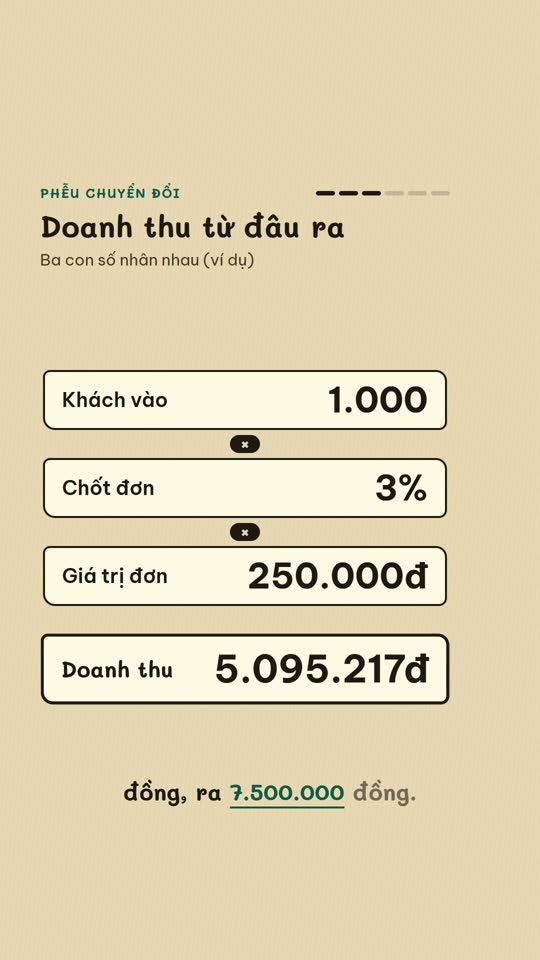
E-commerce diagram
An online-selling concept on a single diagram board
English Learning Explainer
Short English lessons built from common mistakes
Start with one look, step up when you need more
Related looks

English listening
English listening practice: reader, vocab, guess and joke formats

Excel setting
One Excel setting, with a cursor clicking through each value
Sourced clip short
A multi-scene short with source clips and an on-screen credit
 Included in ReelCrew
Archival documentary
An 8-10 minute documentary built from archive material
 Included in ReelCrew
Engraved plate
An antique engraving film for philosophy and history
 Included in ReelCrew
Hand-drawn lesson
A 3-4 minute hand-drawn animated lesson from a talk
 Included in ReelCrew
News photo short
Breaking news told with press photos and a female news anchor voice
 Included in ReelCrew
Paper 3Blue1Brown
Explain a paper 3Blue1Brown style, with formulas built to the narration